 Granular
MCP, API, CLI: three ways software talks, and which one your AI agent should use
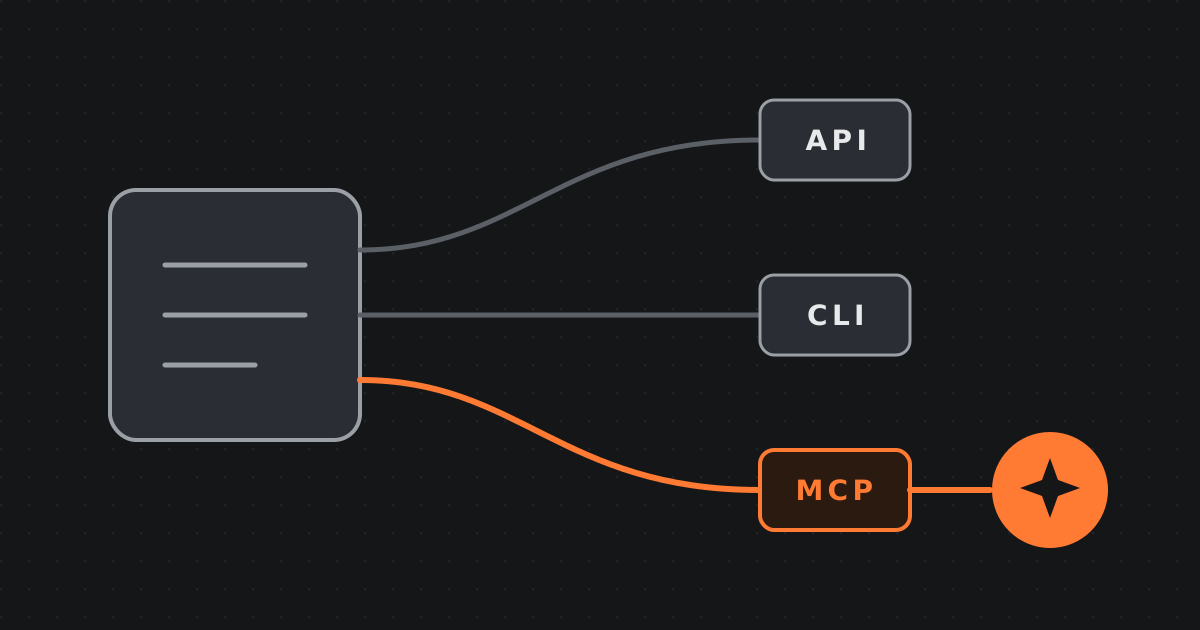
If an agent needs to act for you now, start with MCP. If MCP is unavailable, a CLI is a strong fallback. If you need a fixed automation that runs whenever something happens, use an API with webhooks.
You ask an artificial intelligence (AI) agent to update a Notion page, check a Stripe payment, or draft a reply in Gmail. Then the acronyms arrive: Model Context Protocol (MCP), application programming interface (API), and command-line interface (CLI). They sound like three versions of the same technical nuisance.
They are three different ways to reach software, and the difference matters.
The fast answer is simple. If an agent needs to act for you now, start with MCP. If MCP is unavailable, a CLI is a strong fallback. If you need a fixed automation that runs whenever something happens, use an API with webhooks. A raw API can also power an agent, but it usually asks you to manage more machinery and risk.
The easiest way to remember this is to imagine every software service as a shop.
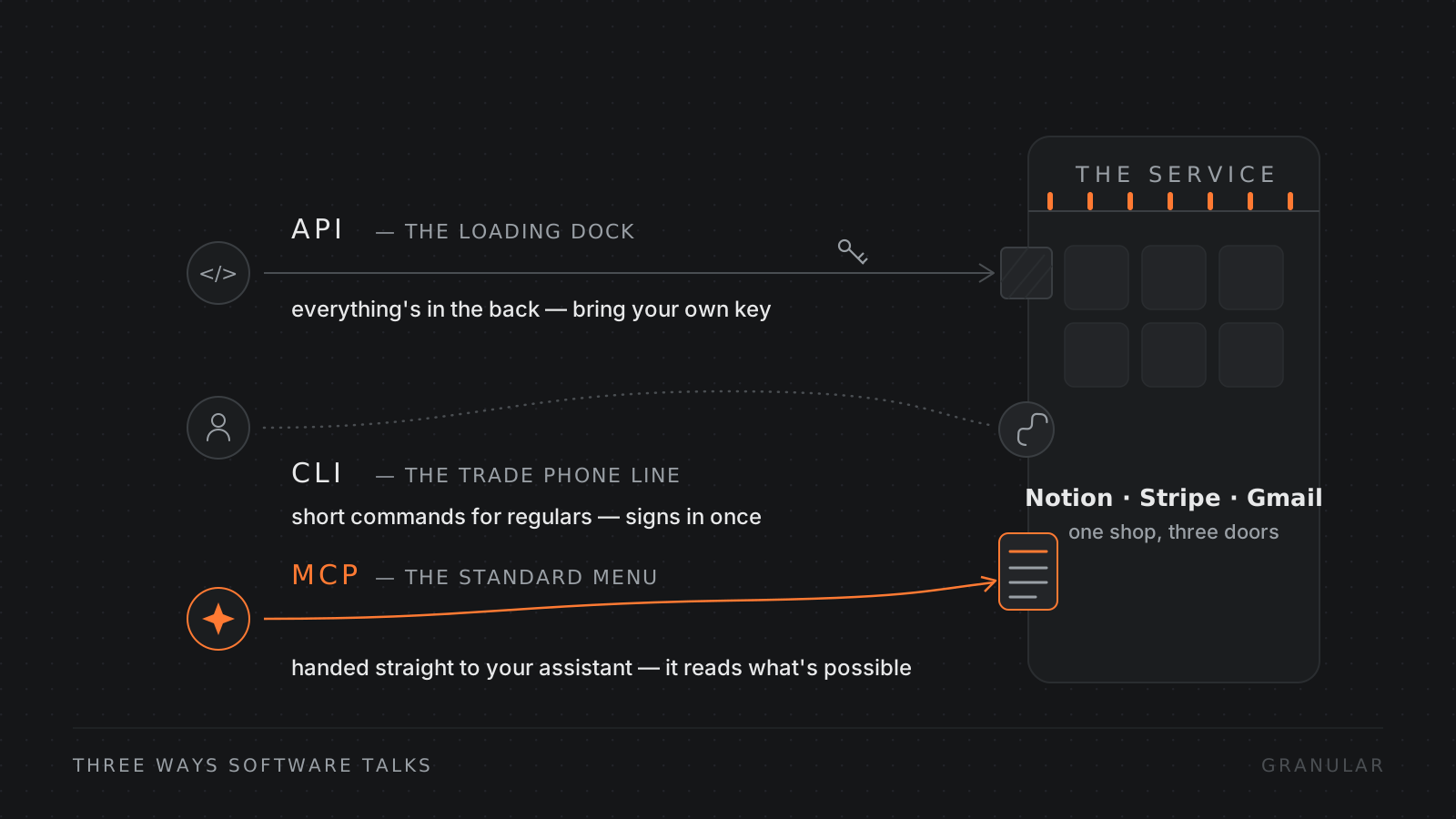
The API is the loading dock
API stands for application programming interface. It is a structured way for one piece of software to request something from another.
For a service such as Notion, Stripe, or Gmail, the API is the loading dock around the back. It is where software goes to collect data, deliver instructions, or change something. Most major online services have one, and most integrations are built on top of one.
The loading dock offers broad access to the goods. But each dock has its own layout. One shop calls a customer a “customer”; another calls the same person a “contact.” One wants a date in one format; another expects something different. You need that shop’s manual, you need to speak its internal codes, and you usually need to bring a secret API key that proves you are allowed in.
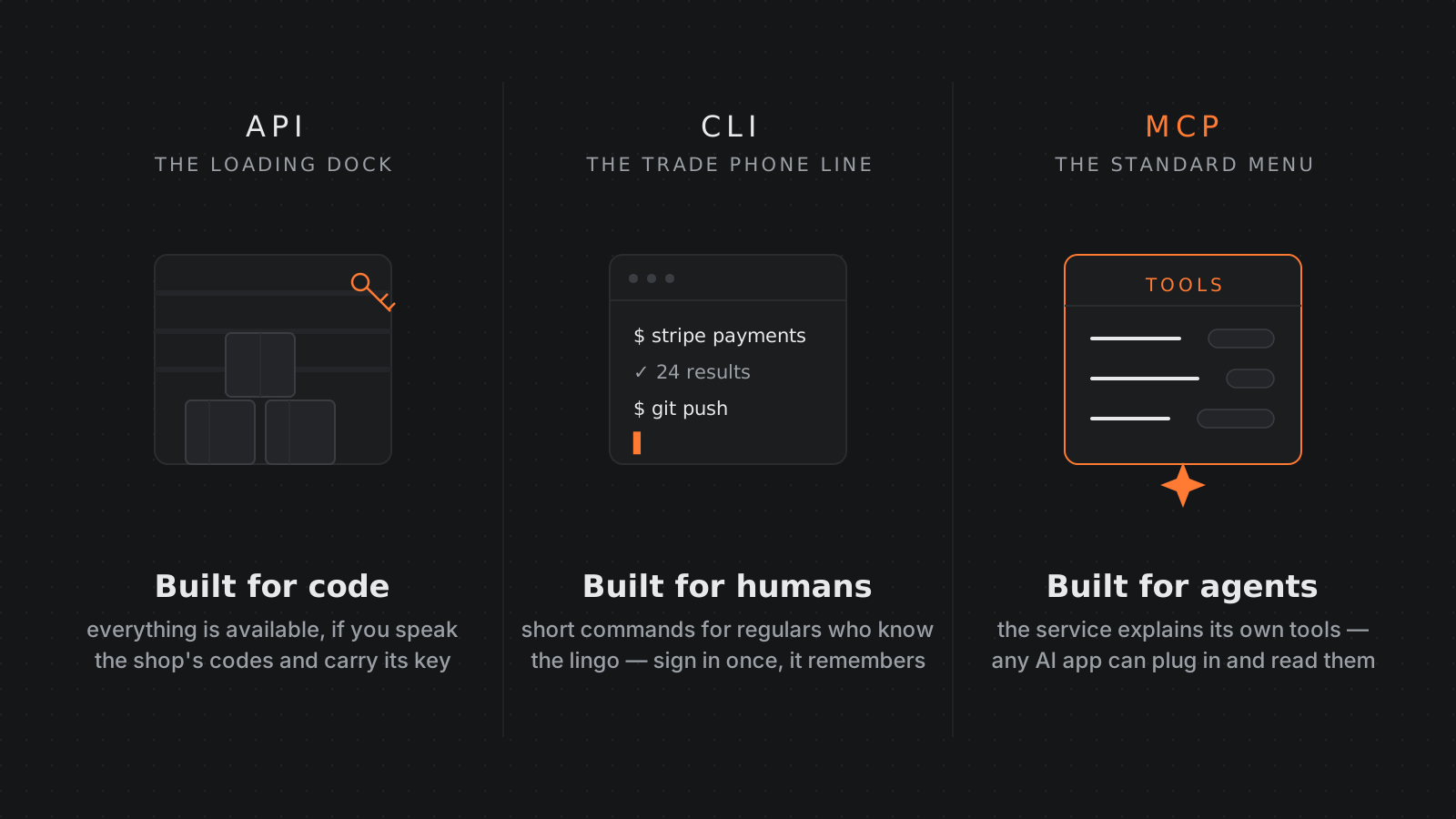
An API is built for code. An AI agent can use one, but it must know the exact address, request format, and rules. If it gets any of those wrong, the shop sends the request back.
The CLI is the trade phone line
CLI stands for command-line interface. It is a tool installed on your computer and controlled with short typed commands.
Think of it as the shop’s trade phone line. Instead of finding the right loading bay and filling in the service’s private forms, you say something compact such as “show recent payments.” The CLI translates that instruction into lower-level work.
Tools such as git and the Stripe CLI have lived in terminals for years. Some CLIs wrap an online API. Others control software on your computer or speak their own protocol. Either way, they give people a more memorable vocabulary than raw machine requests.
A CLI is built for humans who know the lingo. Yet AI agents are surprisingly good at terminals. They know many common commands, can read built-in help, and can interpret the result. Once you sign in, the tool can usually remember the connection, so the agent does not need to carry a secret key in every request.
CLIs are decades old and often boring in the best possible way. They are not universal, though. The agent must know which tool is installed and which command to use, or stop and read the documentation.
MCP is the standard menu
MCP stands for Model Context Protocol. Anthropic introduced it as an open standard in November 2024, so it is the newcomer here.
In the shop analogy, MCP is a standard menu handed directly to your assistant. The shop describes its available actions in one common format: “Here are my tools, here is what each one does, and here is the information each one needs.”
An AI app that supports MCP can connect to that menu and let its agent inspect it. The agent does not have to remember whether this service says “page,” “document,” or “record.” It reads the connector’s descriptions and chooses an appropriate tool.
That is the important shift. An API exposes the loading dock. MCP explains the menu.
A well-built MCP connector can also make access feel like signing into any other website. You click Connect, complete a normal browser sign-in, and approve what the connection may do. The connection holds the authorization. The agent gets the permitted tools without needing your password or a raw key pasted into its conversation.
MCP is built for AI agents, not for people typing commands themselves. Its menu can also be smaller than the full API. A service might expose safe, common actions while leaving dangerous administrative controls off the menu. That narrower surface can be a feature when an agent is acting for you.
There is a fourth option: a custom integration. In shop terms, that is hiring a builder to make a private door between two buildings. It can be perfect for an unusual job, but you have to build and maintain it. It is useful, just not one of our three main characters.
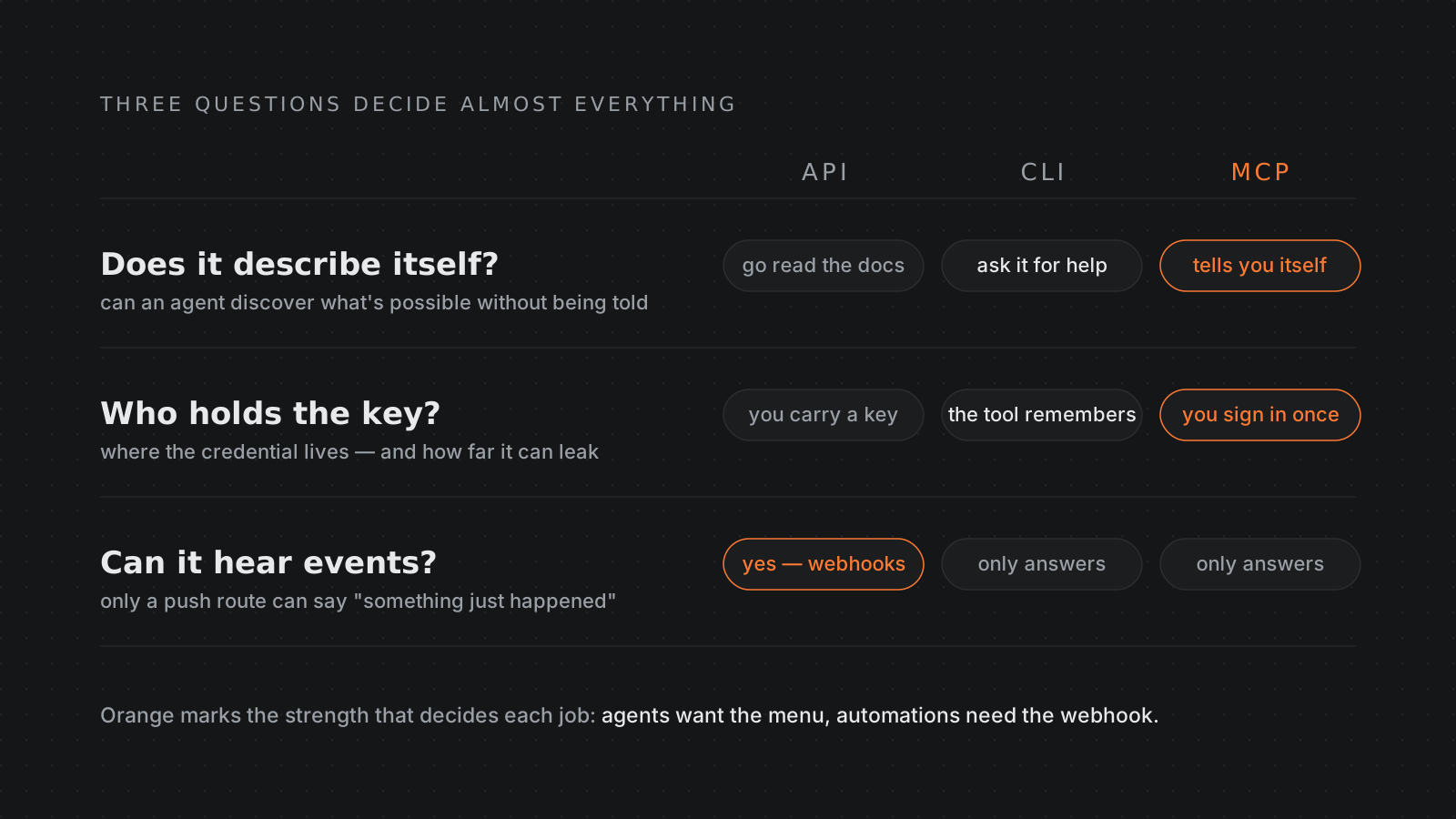
Three differences decide almost everything
The first question is whether the route describes itself.
An MCP connector tells the agent what it can do when the agent connects. A CLI does not introduce all its commands, although the agent can ask for help. An API publishes documentation somewhere else, which the agent or a developer must find and follow. That makes MCP the natural starting point when an agent is choosing actions dynamically.
The second question is who holds the key.
With a properly configured MCP connector, you sign in and the connector manages the authorization. With a CLI, you commonly sign in once and the installed tool remembers the session. In both cases, the agent can use an approved route without building every request around a raw secret.
With a raw API, someone must create, store, and pass an API key. APIs are not inherently unsafe. They simply make safe key handling part of your job. More direct power means more places where a carelessly stored key could leak.
The third question is whether the software needs to push or pull.
MCP connectors and CLIs normally answer when asked. The agent says, “What are today’s orders?” and gets a response. They pull information.
An API can support webhooks. A webhook is an automatic alert from one service to another: “A new payment just arrived.” If an automation must start the second an event happens, without a person or agent checking, an API with webhooks is usually the right route.
So which one should you use?
For an agent acting on your behalf, choose MCP first. It is self-describing, its sign-in can keep raw credentials out of the conversation, and the service can present a sensible set of allowed actions. The agent receives a menu designed for it.
Choose a CLI second. Agents are genuinely capable in terminals, and mature CLIs tend to be stable, documented, and predictable. A CLI is especially useful when no MCP connector exists but a trusted command-line tool does.
Use a raw API as the last resort for interactive agent work. It will often work, but the agent has to hand-craft requests, follow service-specific rules, and operate around a secret. Sometimes the API is the only route to a rare or advanced feature. That is a good reason to use it, not a reason to start there.
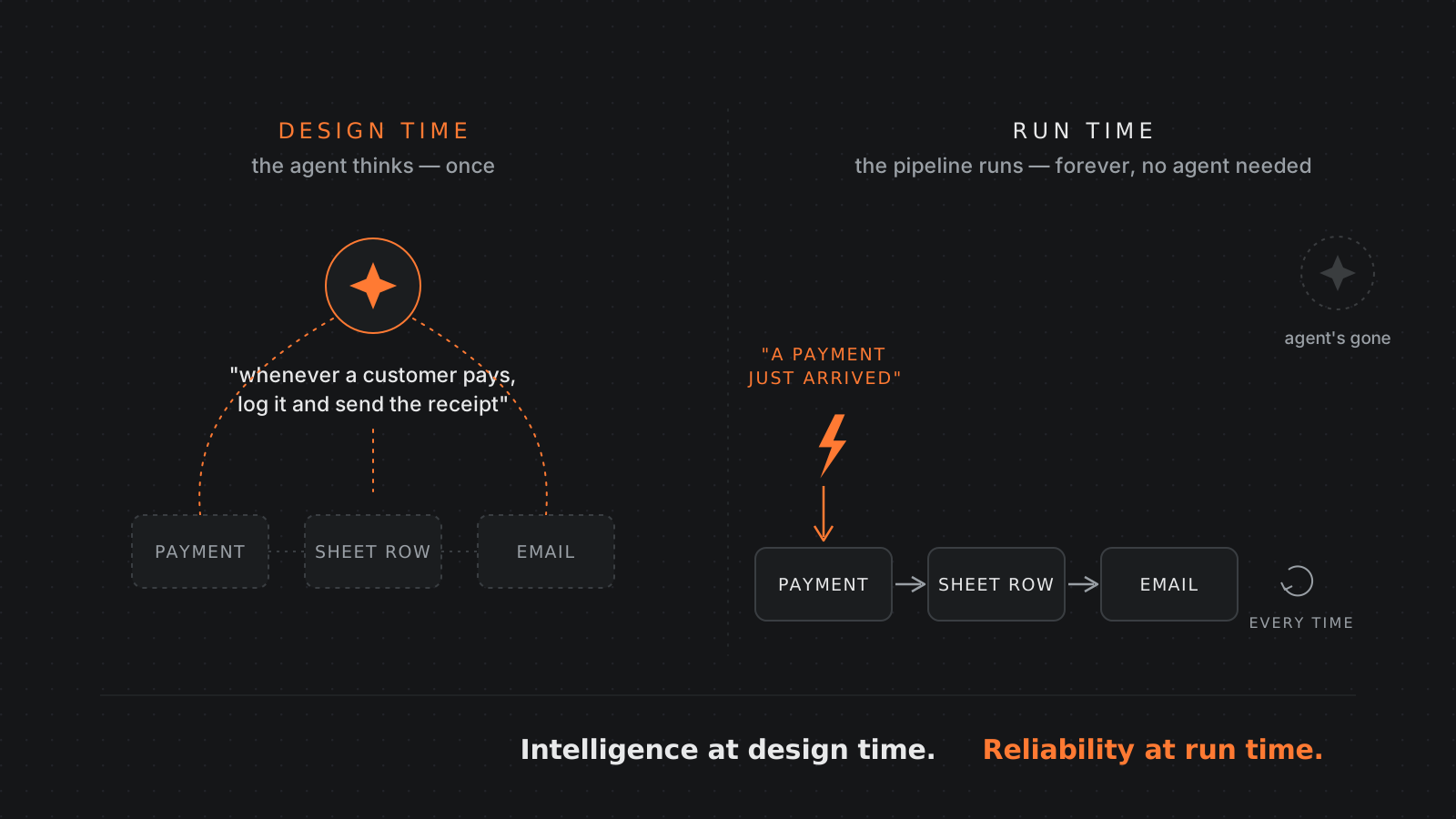
For a fixed automation, reverse the answer. Suppose you want every new payment to create a spreadsheet row and send a receipt email. No judgment is required after the rule is set. An API plus webhooks is the right shape, and tools in the Zapier category package that machinery into a friendlier interface.
MCP is the wrong shape for that job twice. It puts an AI decision-maker into a process that does not need one, and it normally cannot hear the first “a payment happened” event by itself. A deterministic pipeline is cheaper, faster, and easier to trust for repeated work.
The most interesting answer is the hybrid.
You tell an agent, “Whenever a customer pays, add the sale to this sheet and send this email.” The agent understands your intent, asks sensible questions, and designs the automation. It then sets up the API and webhook pipeline and gets out of the way.
The intelligence belongs at design time. The reliability belongs at run time. The agent handles the fuzzy conversation once; the fixed system performs the agreed steps forever.
One socket, many shops
MCP changes the integration burden for AI apps. Instead of building a separate private door for every service, an app can support one standard socket. Any compatible service can publish a plug that describes its own tools. The app gains new abilities without owning every individual integration.
That is the practical pattern Granular follows: use MCP as the menu for agent-friendly connections, and keep a terminal available as the universal fallback for anything not yet on the menu. One socket can reach thousands of possible tools without making every connection your maintenance burden.
There is a reason to keep the older routes nearby. MCP is young, and its sign-in machinery still has rough edges. APIs and CLIs are old, familiar, and boring. In infrastructure, boring is often a feature.
The takeaway: give agents an MCP menu, give automations API webhooks, and keep the CLI phone line for everything in between.
Related reading
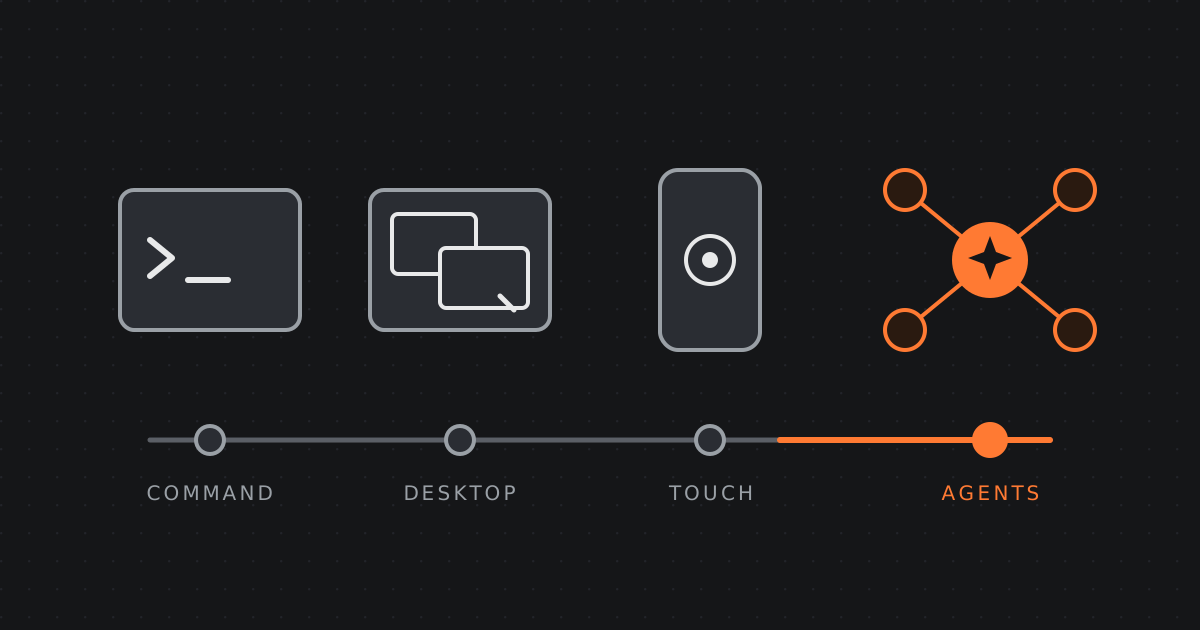 2026-07-31 · Essay, FutureThe evolution and future of agentic interaction and hardwareFrom the command line to the graphical desktop to touch, and now to directing AI agents. Where human-computer interaction is going, and what the device becomes when agents do the work.
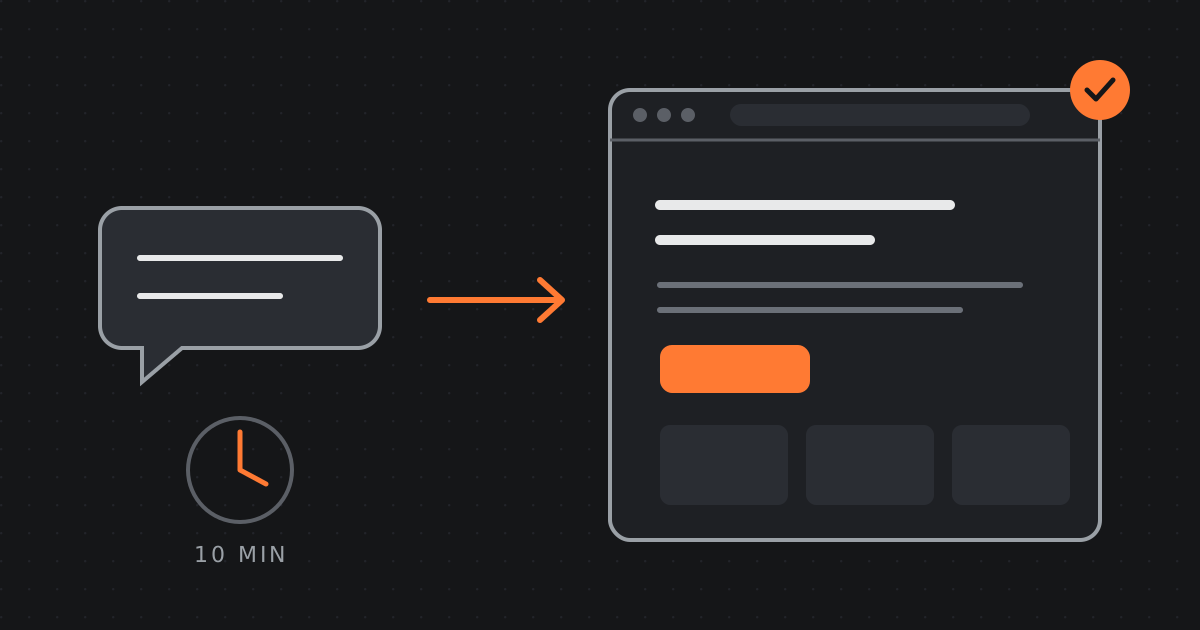 2026-06-26 · Guide, DesignHow to build a landing page with AI in 10 minutesA practical walkthrough: go from a single sentence to a published landing page using Granular, describe it, refine it live, and ship it to your domain.
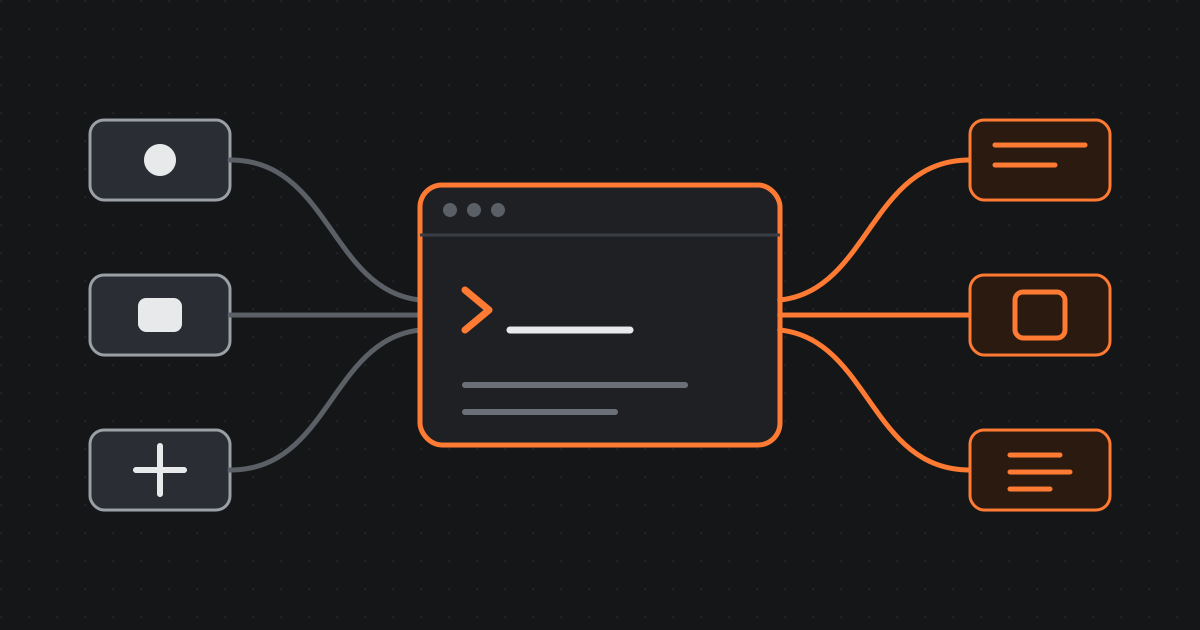 2026-06-20 · Manifesto, ProductWhy we built Granular: the terminal for everybodyThe terminal is the most powerful tool in computing, and almost nobody can use it. Granular changes that: an agentic terminal where you plug in your tools, API keys and AI agents to build anything and run any task.