 Granular
How to build a landing page with AI in 10 minutes

In short
A practical walkthrough: go from a single sentence to a published landing page using Granular, describe it, refine it live, and ship it to your domain.
Start with a sentence
Open Granular, start a session, and describe the page like you would to a teammate:
Build a landing page for my newsletter on indie design.
Dark, modern, hero + three benefits + an email sign-up.
The agent plans it, creates the files, and opens a live preview, usually within a minute.
Refine by talking
This is where ten minutes beats ten days. Direct the design:
- “Make the headline bigger and bolder.”
- “Use a warmer orange for the buttons.”
- “Add a short FAQ above the footer.”
Each change appears in the preview right away. Keep going until it’s exactly right.
Ship it to your domain
When you’re happy, ask the agent to publish it. With a domain connected, it deploys the page live and hands you the URL, and the files stay yours.
That’s the whole loop: describe, refine, ship. Want the deeper version? Read Build a landing page with AI in the docs.
Related reading
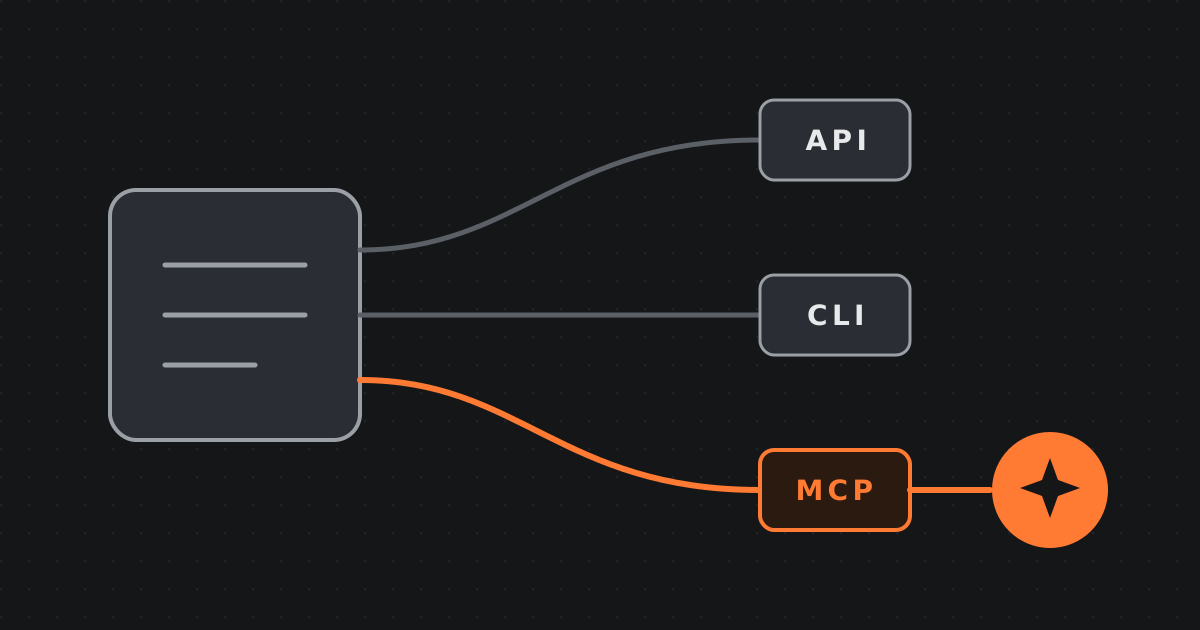 2026-09-05 · Guide, AgentsMCP, API, CLI: three ways software talksThe loading dock, the trade phone line, and the standard menu, the three ways software talks, explained for non-developers, and which one your AI agent should use.
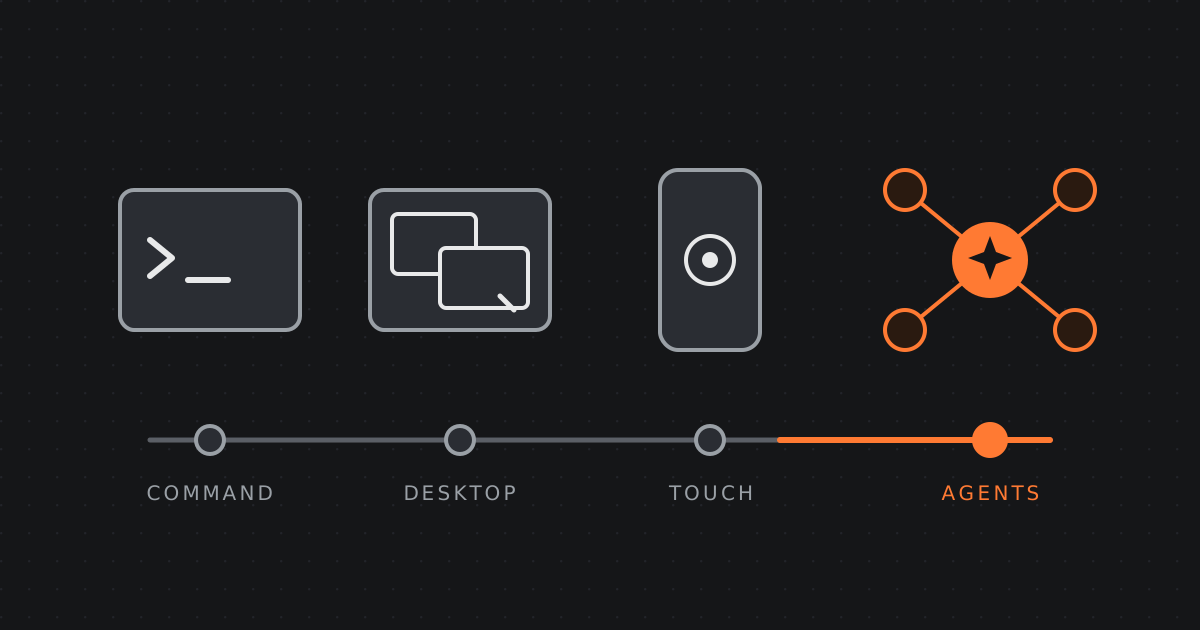 2026-07-31 · Essay, FutureThe evolution and future of agentic interaction and hardwareFrom the command line to the graphical desktop to touch, and now to directing AI agents. Where human-computer interaction is going, and what the device becomes when agents do the work.
 2026-06-20 · Manifesto, ProductWhy we built Granular: the terminal for everybodyThe terminal is the most powerful tool in computing, and almost nobody can use it. Granular changes that: an agentic terminal where you plug in your tools, API keys and AI agents to build anything and run any task.